Self-service ad booking portal

Advertise Your Business in Your
Local Community

Reach thousands of neighbors through our printed & digital community bulletin. Pick a ZIP, choose a size, upload artwork, and preview your placement before checkout.

6Ad sizes
10+ZIP zones
11×17Live proof
Community Bulletin Print issue
Your Ad
Slot

Why this portal

Built for local businesses — not a news site

A clear path from idea → artwork → placement → published ad in your neighborhood bulletin.

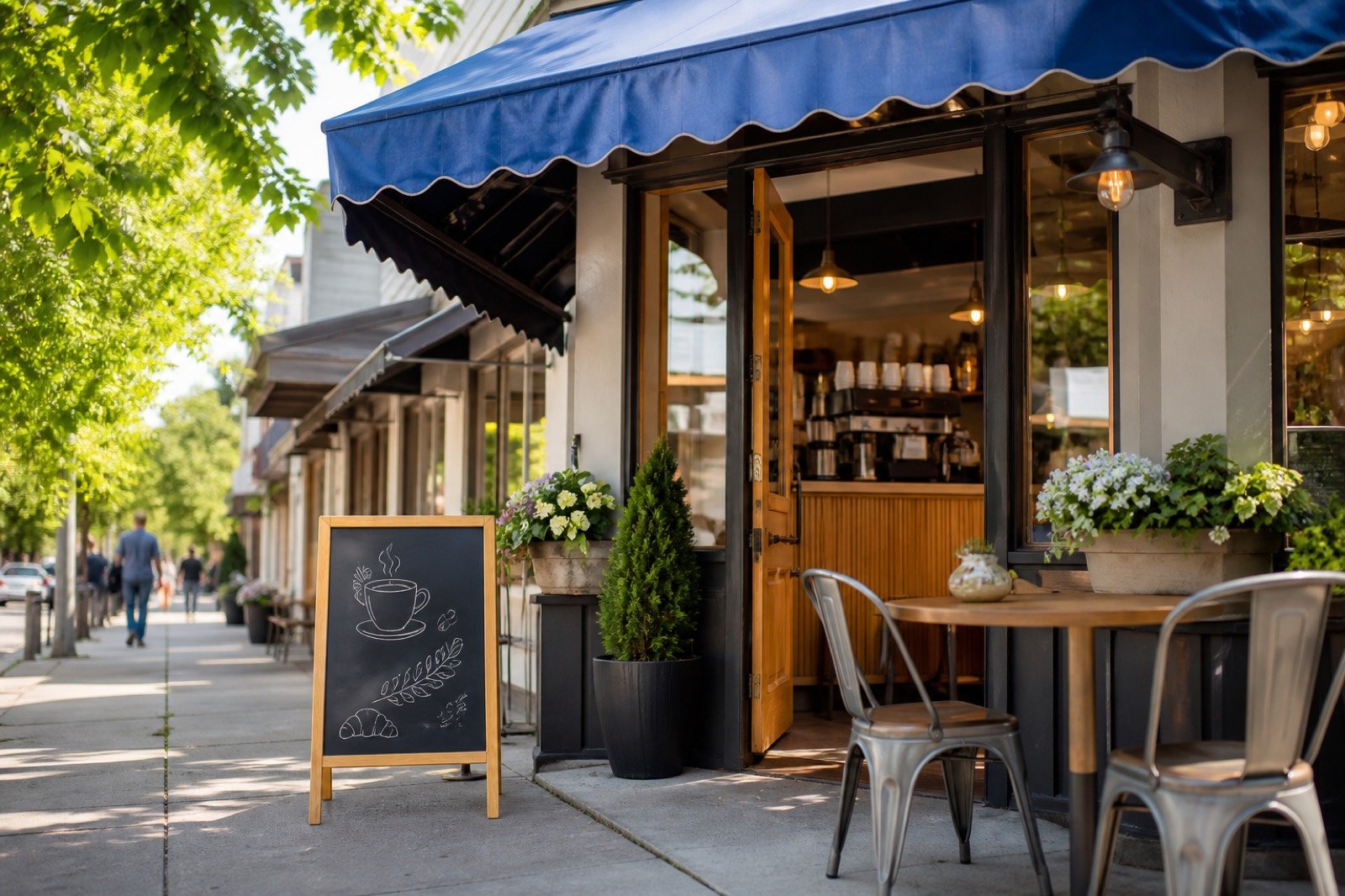
Local storefront ready for community advertising

Neighborhood visibility that feels premium

Put your brand in front of customers who already live, shop, and gather nearby.

Printed advertisement size samples flat lay

Six clear ad formats

From business cards to full-page and flyer inserts — priced transparently.
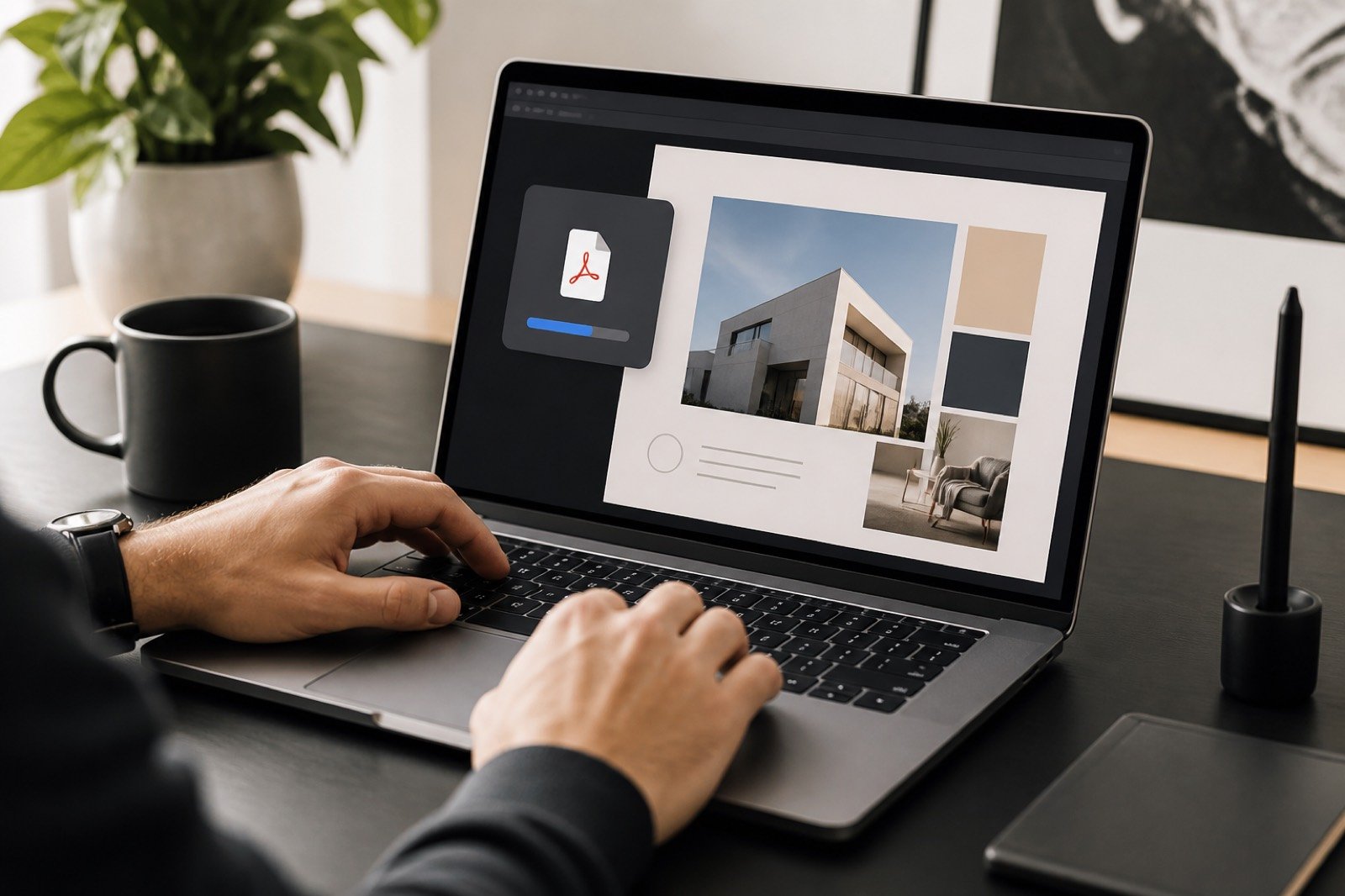
Uploading advertisement artwork on a laptop

Upload PDF / PNG / JPEG

Drop print-ready files and continue straight to a live placement proof.

3D bulletin with highlighted advertisement slots

See the slot before you buy

Interactive 11×17 preview shows exactly where your ad sits on the page.

Customer dashboard preview for tracking ad orders

Track every order

Pending, approved, published — all in your customer dashboard.

Simple workflow

How it works

Five steps. No sales call required. You stay in control from ZIP to publish.

01

Choose your ZIP

Select the community sector that matches your customers.
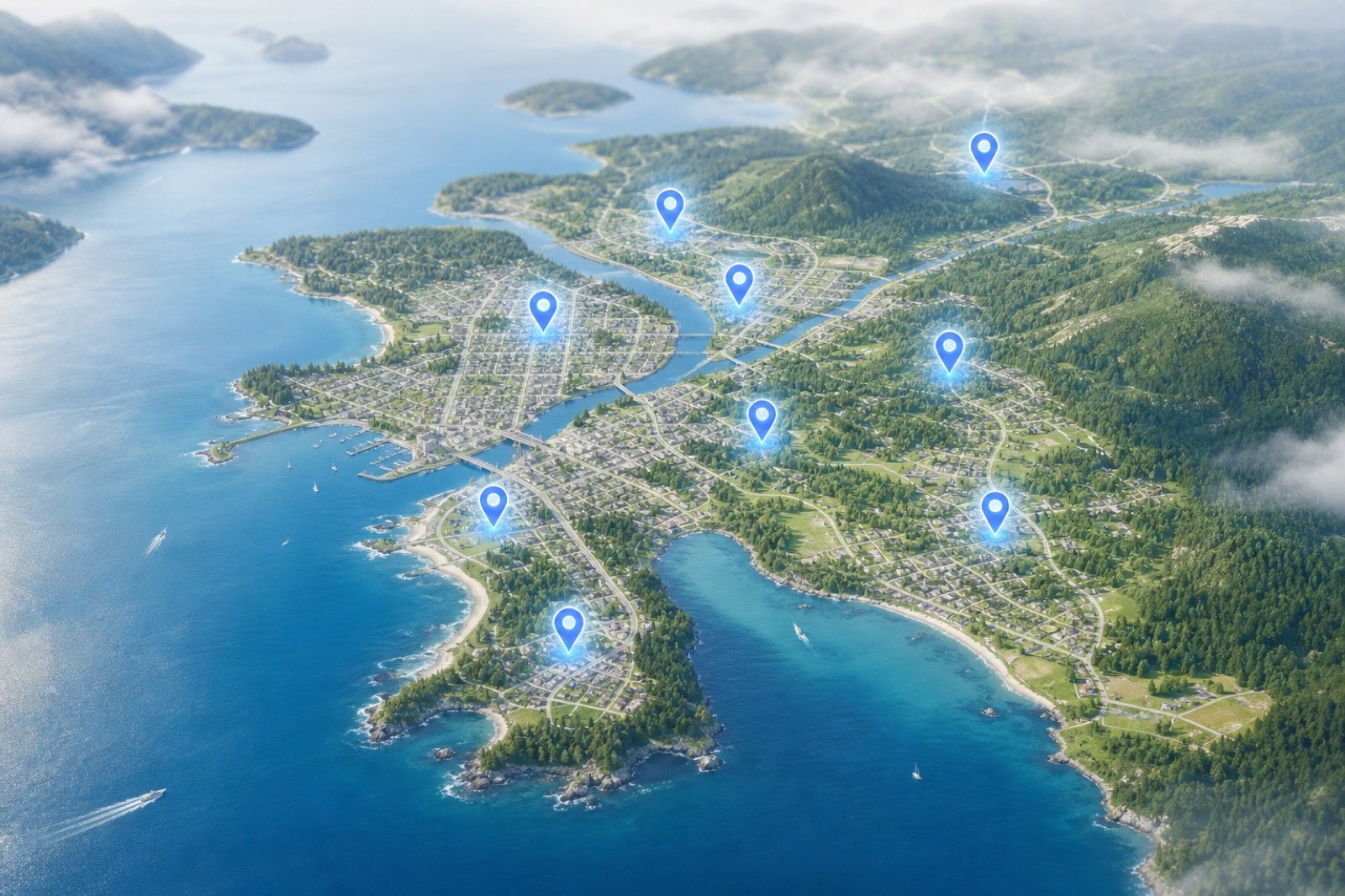
Map of local ZIP coverage areas
02

Pick an ad size

Business card, quarter, half, full page, or flyer insert.

Advertisement size samples
03

Upload artwork

PDF, PNG, or JPEG — we validate type and file size.

Uploading print artwork
04

Preview & checkout

See the 11×17 slot, review tax totals, confirm billing.

3D advertisement placement preview
05

Get published

Track approval and live status from your dashboard.

Order tracking dashboard

Inventory

Advertisement sizes

Each card shows price, dimensions, and a miniature placement diagram so you know what you’re buying.

Full comparison table
Printed ad size samples arranged on a desk

Business Card

3.5 × 2 in

$49.00

Compact card-size placement — ideal for local services and contact-driven ads.

Book Now

Double Business Card

3.5 × 4 in

$89.00

Two stacked card slots for stronger visibility without a large page commitment.

Book Now

Half Page

11 × 8.5 in

$249.00

High-impact half-page spread for brand storytelling and featured offers.

Book Now

Full Page

11 × 17 in

$399.00

Maximum visibility — full 11×17 tabloid page dedicated to your business.

Book Now

Flyer Insert

8.5 × 11 in

$299.00

Loose insert flyer distributed with the bulletin run for maximum hand-to-hand reach.

Book Now

Placement studio

Understand where your ad sits

Card slots stay compact. Quarter and half grow. Full page owns the sheet. Flyer inserts ride along with the run.

3D floating bulletin with glowing ad slots

Slot guide

Hover any size on the pricing cards to sense scale — or jump straight into booking.

Business Card
Small corner slot — ideal for contact-driven offers
Select
Double Card
Stacked card block for stronger presence
Select
Quarter Page
Mid-size feature for menus & promos
Select
Half Page
Wide brand storytelling block
Select
Full Page
Owns the entire 11×17 sheet
Select
Flyer Insert
Loose insert distributed with the bulletin
Select

Coverage

Community ZIP coverage

Target the neighborhoods where your customers already live.

Illustrated map of local ZIP coverage zones
Olympic Peninsula & Puget Sound
10 active distribution zones
98362
Port Angeles, WA
Olympic Peninsula
Active
98363
Port Angeles, WA
Olympic Peninsula
Active
98382
Sequim, WA
Olympic Peninsula
Active
98331
Forks, WA
Olympic Peninsula
Active
98368
Port Townsend, WA
Olympic Peninsula
Active
98339
Port Hadlock, WA
Olympic Peninsula
Active
98325
Chimacum, WA
Olympic Peninsula
Active
98365
Port Ludlow, WA
Olympic Peninsula
Active
98101
Seattle, WA
Puget Sound
Active
98109
Seattle, WA
Puget Sound
Active

Community

Community calendar

Your ads sit alongside real local events people already open the bulletin to find.

Local community market event

Events keep readers coming back

Farmers markets, workshops, concerts — the calendar is why neighbors pick up the bulletin. Your brand rides that attention.

Recent

2 Aug
Community Cleanup Day
City Center
29 Jul
Harbor Farmers Market
Waterfront Park

Upcoming

15 Aug
Chamber Networking Night
Chamber Hall
23 Aug
Summer Concert Series
Civic Plaza
30 Aug
Small Business Workshop
Library Annex

Social proof

Loved by local operators

★★★★★

“Booked a quarter-page in ten minutes. The placement preview made it obvious what we were buying.”

Maya Chen
Harbor Cafe
★★★★★

“Finally an ad portal that feels like modern software — not a PDF form from 2009.”

Jordan Blake
Peninsula Auto
★★★★★

“ZIP targeting meant we stopped wasting spend on neighborhoods we don’t serve.”

Sam Ortiz
Greenline Home

Customer portal

Track orders, invoices & published ads

Create an account to manage approvals, artwork status, and past issues in one place.

Create free account Log in
Dashboard interface preview

Support

FAQ

Quick answers before you book.

How do I place an advertisement?
Choose your ZIP code, select an ad size, upload artwork (PDF, PNG, or JPEG), preview placement, and complete checkout.
What file formats do you accept?
We accept PDF, PNG, and JPEG. Maximum file size is configured by the publisher (default 10 MB).
When will my ad be published?
After approval, your ad is scheduled for your preferred issue date subject to production capacity.
Can I track my order?
Yes. Register or log in to your customer dashboard to view current orders, approvals, and published ads.
Is payment processed online?
Checkout calculates totals and captures billing details. Live payment gateway integration can be enabled later by the publisher.

Ready to reach your neighborhood?

Book a placement in under five minutes — with a live proof before you confirm.

Place an Advertisement →